Project Professional 2024 is a Windows desktop application for planning and controlling projects. It helps a project manager turn work into a schedule, assign resources, monitor progress, and communicate the plan through views and reports. This listing is for the perpetual 2024 version on one PC.
Project-planning tools
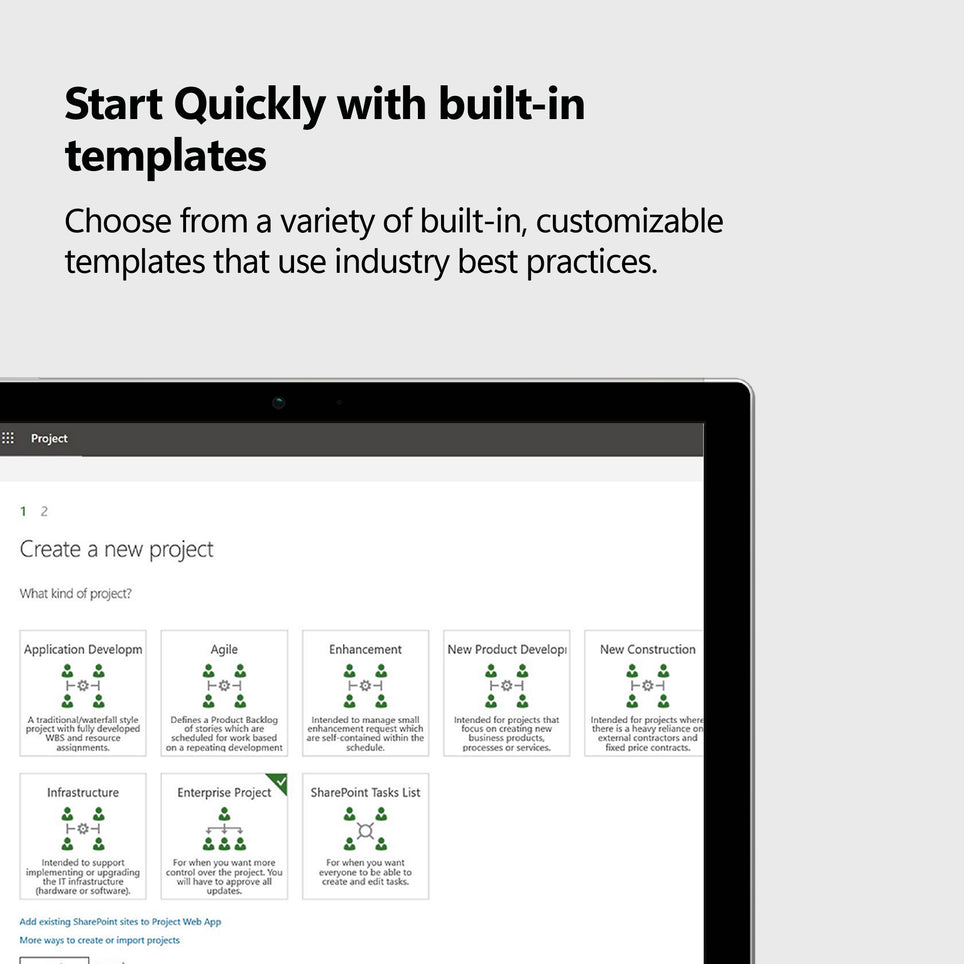
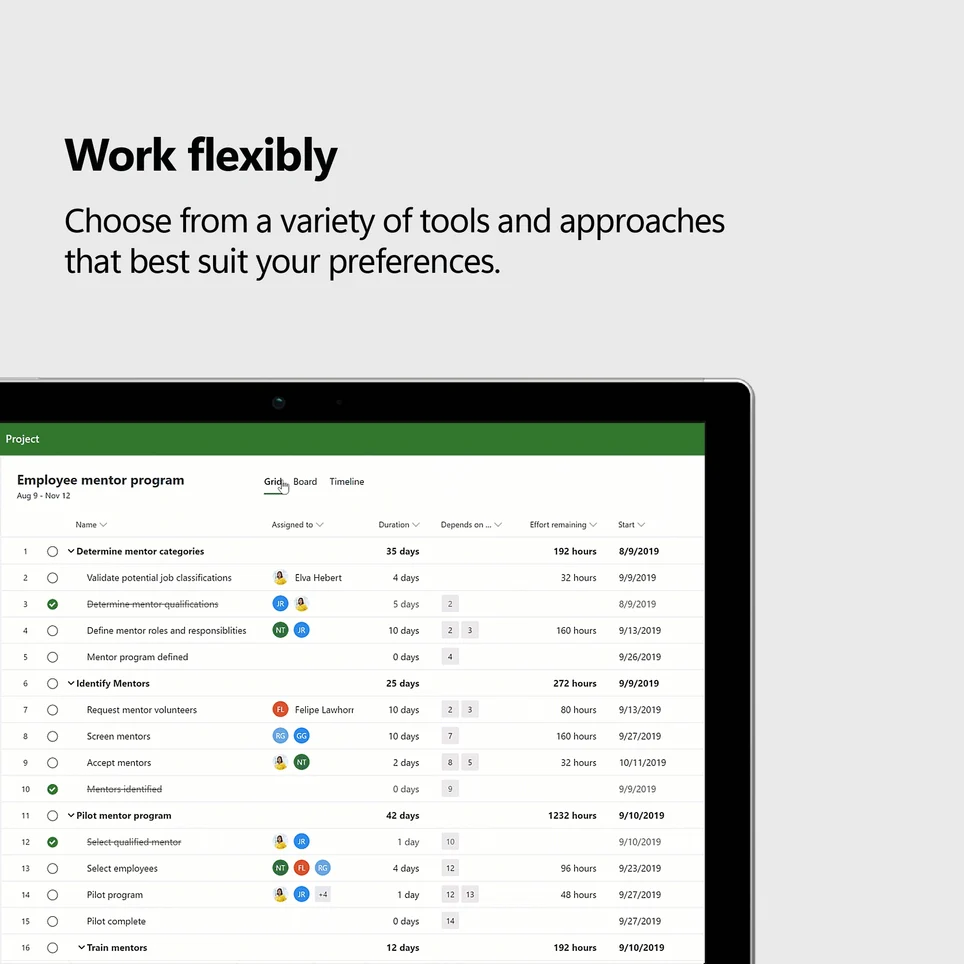
- Build a task list with durations, milestones, deadlines, and dependencies.
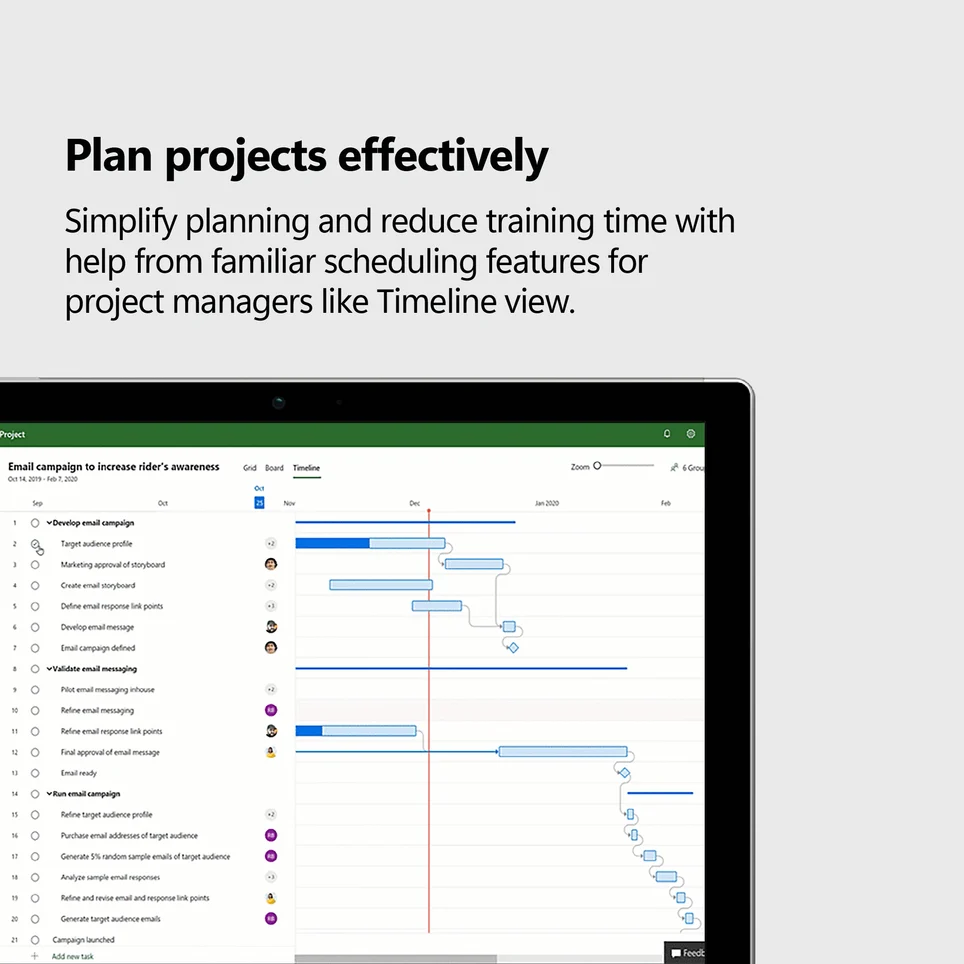
- Use Gantt chart and timeline views to see the sequence of work.
- Assign people or other resources to tasks and review their workload.
- Record progress and compare the current schedule with the plan.
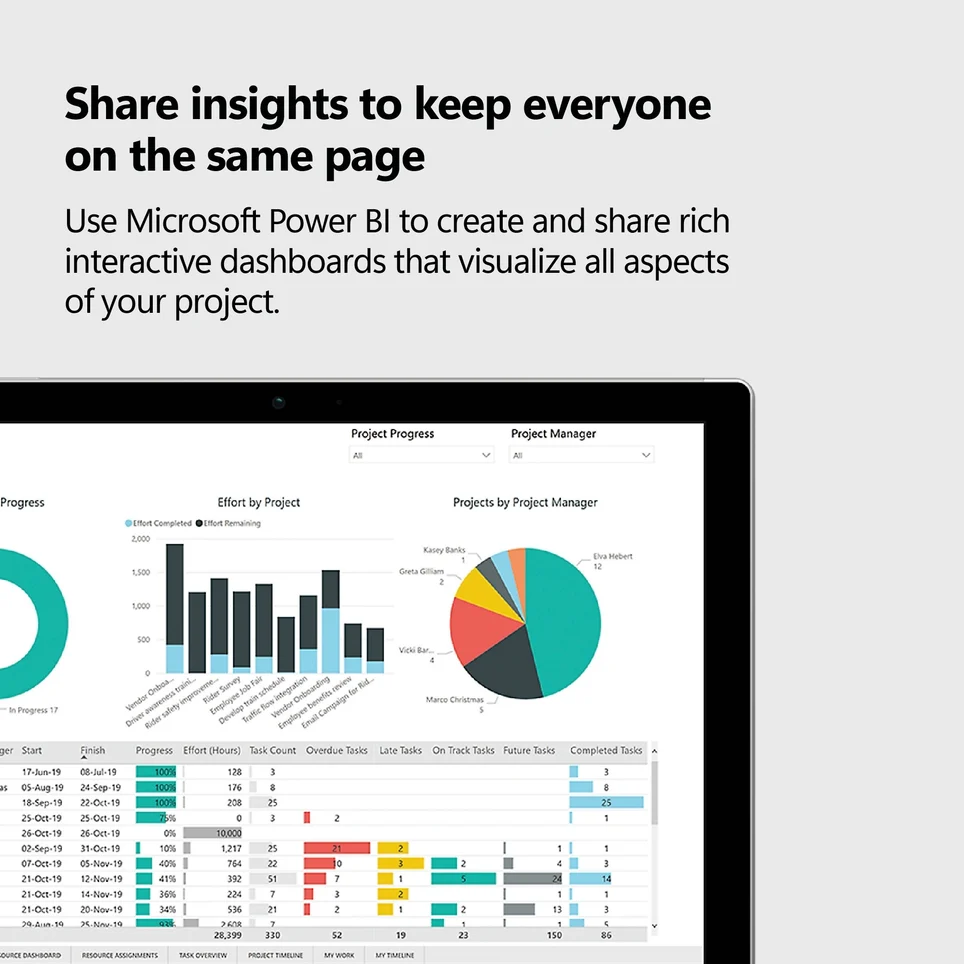
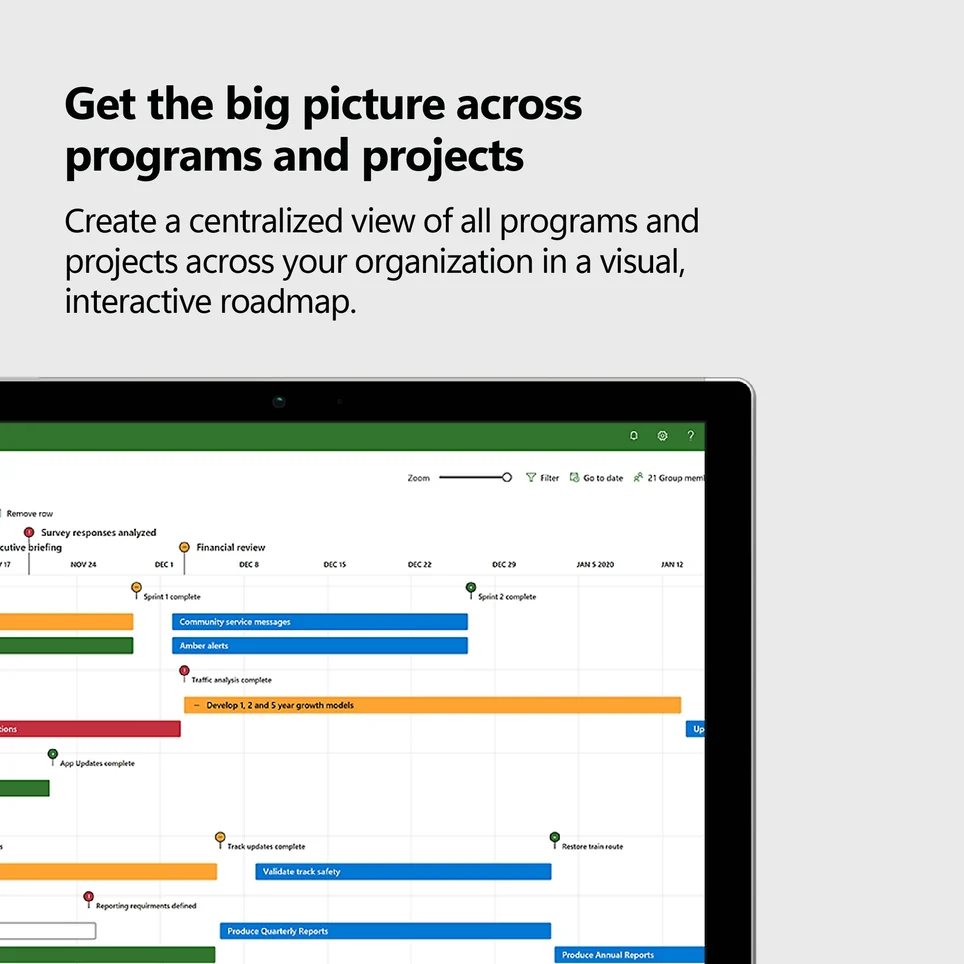
- Create reports and visual summaries for stakeholders.
From schedule to progress tracking
Project Professional is designed for multi-step work such as implementations, construction planning, events, and internal programs. Task links help show how one delay affects later activities; resource assignments help balance work; and status updates make changes in timing easier to spot. Exact collaboration and online integration options depend on the services your organization uses.
License and compatibility
This is a one-time digital retail license for Project Professional 2024 on one Windows PC, not a Project cloud subscription. It does not include future major-version upgrades or a Project Plan service. A key and redemption instructions are delivered by email; redeem with a Microsoft account and download from Microsoft. A compatible Windows PC and internet access for activation are required. It is not a Mac installation license.