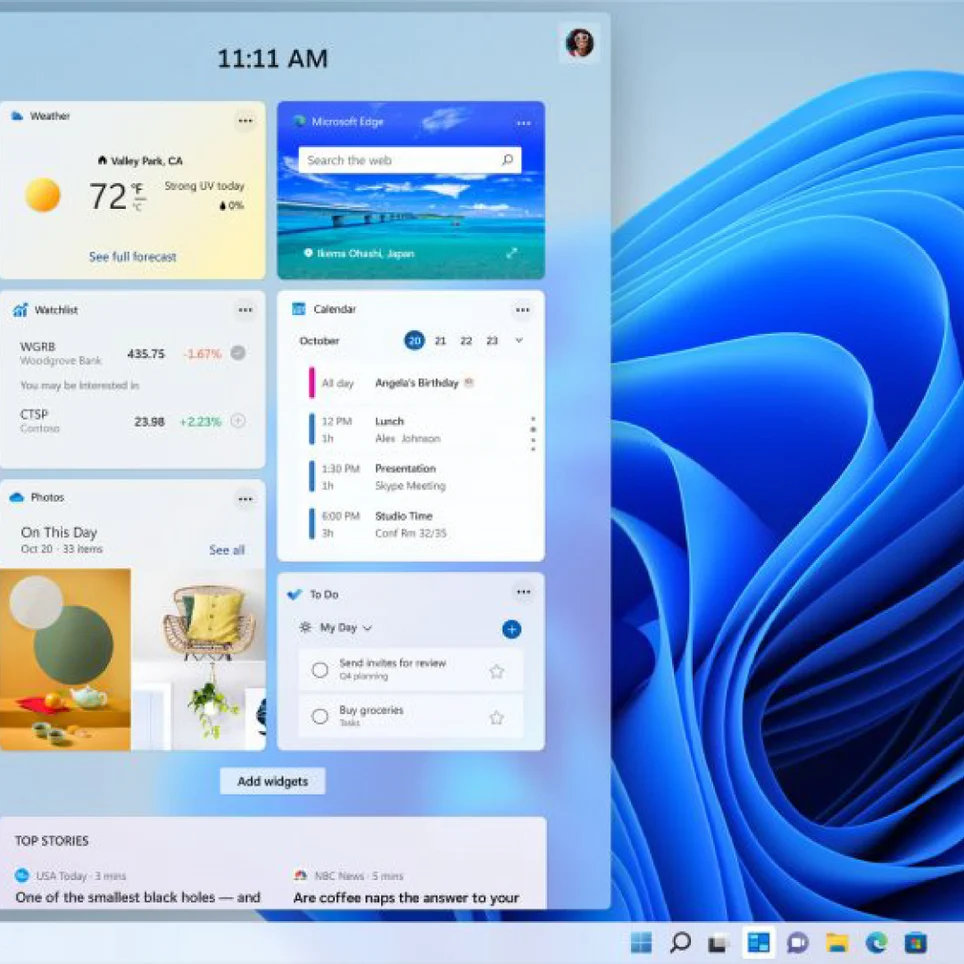
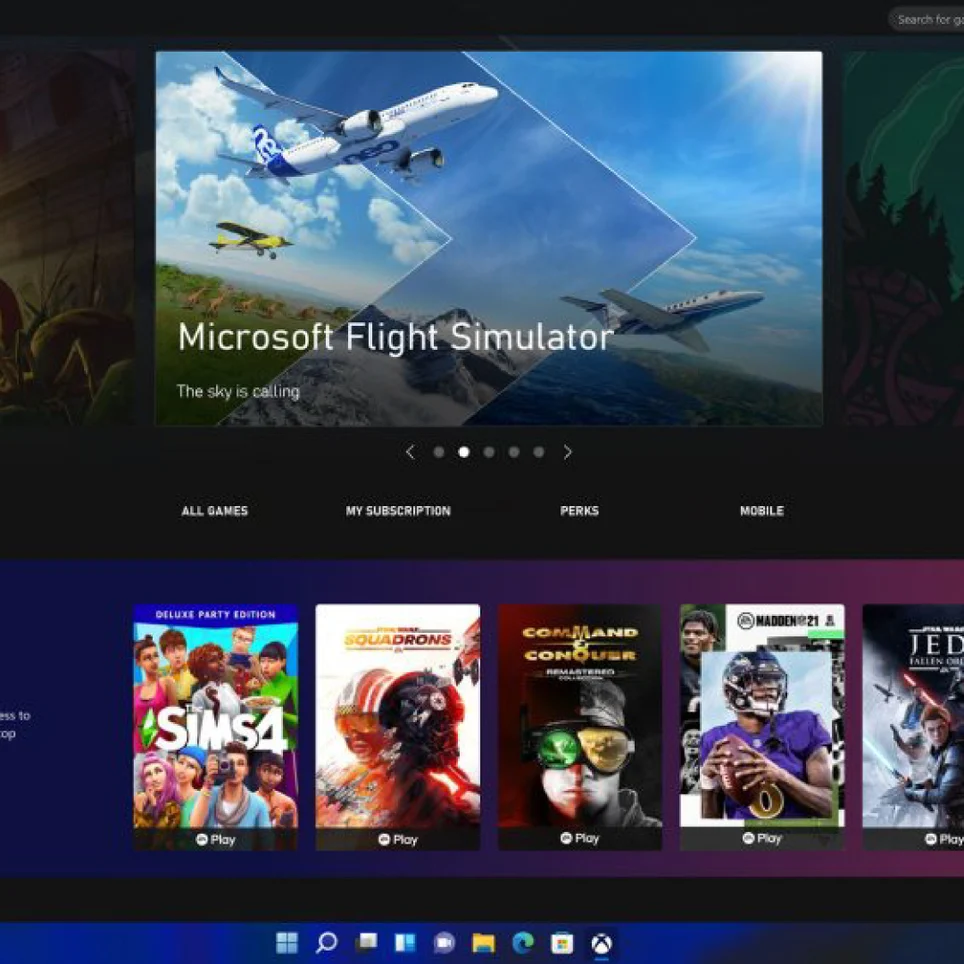
Windows 11 Home is Microsoft’s operating system for a compatible 64-bit PC. It combines a modern desktop, tools for arranging open apps, access to the Microsoft Store, and built-in security for everyday computing, study, entertainment, and personal projects.
What you can do
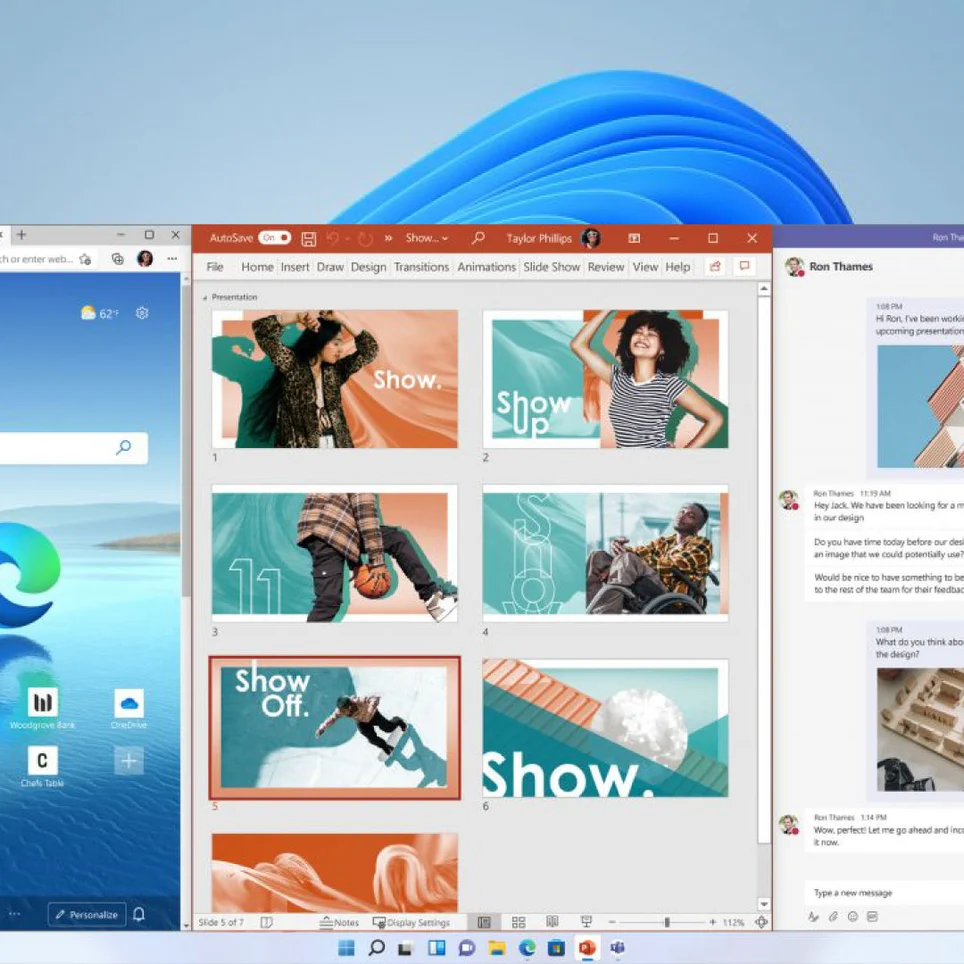
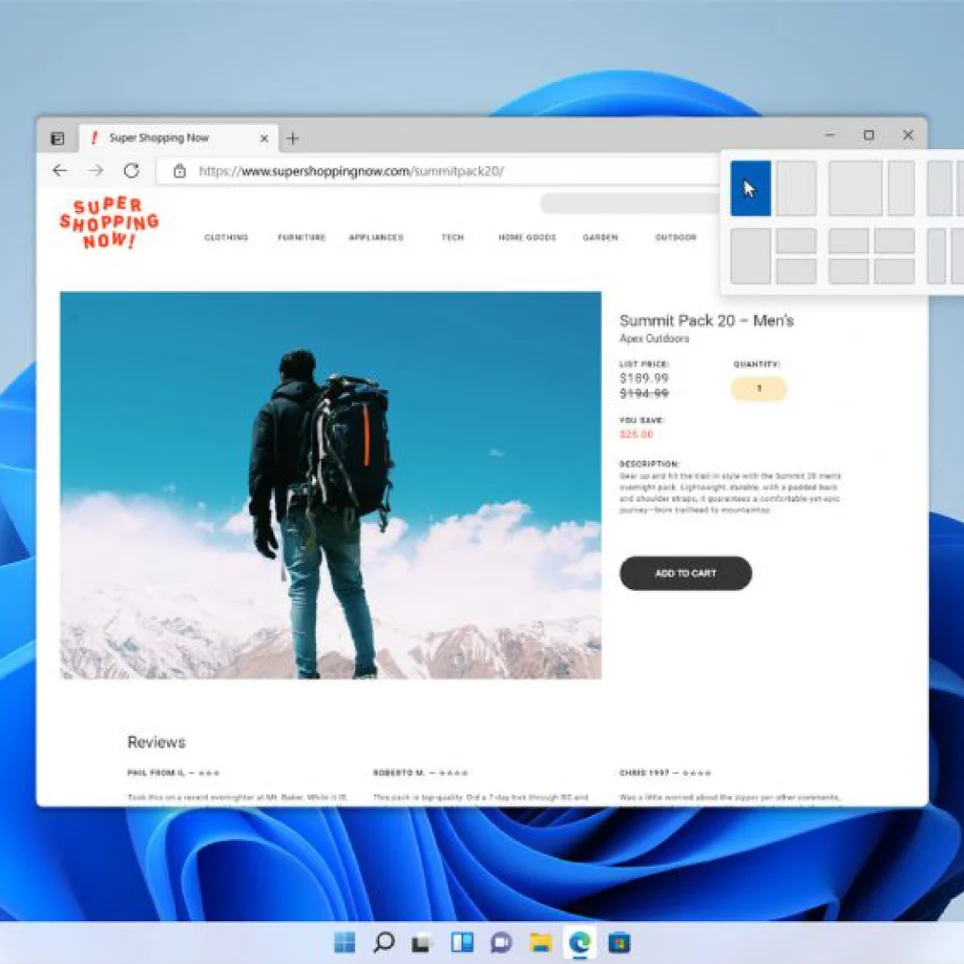
- Use Snap layouts and Snap Assist to arrange several windows side by side for easier multitasking.
- Create separate virtual desktops to organize work, school, and personal apps.
- Find installed apps and files through the Start menu and search, and get apps from the Microsoft Store.
- Use Windows Security and Microsoft Defender Antivirus for built-in malware protection.
- Sign in with Windows Hello using a PIN or supported face or fingerprint hardware.
A familiar PC for daily use
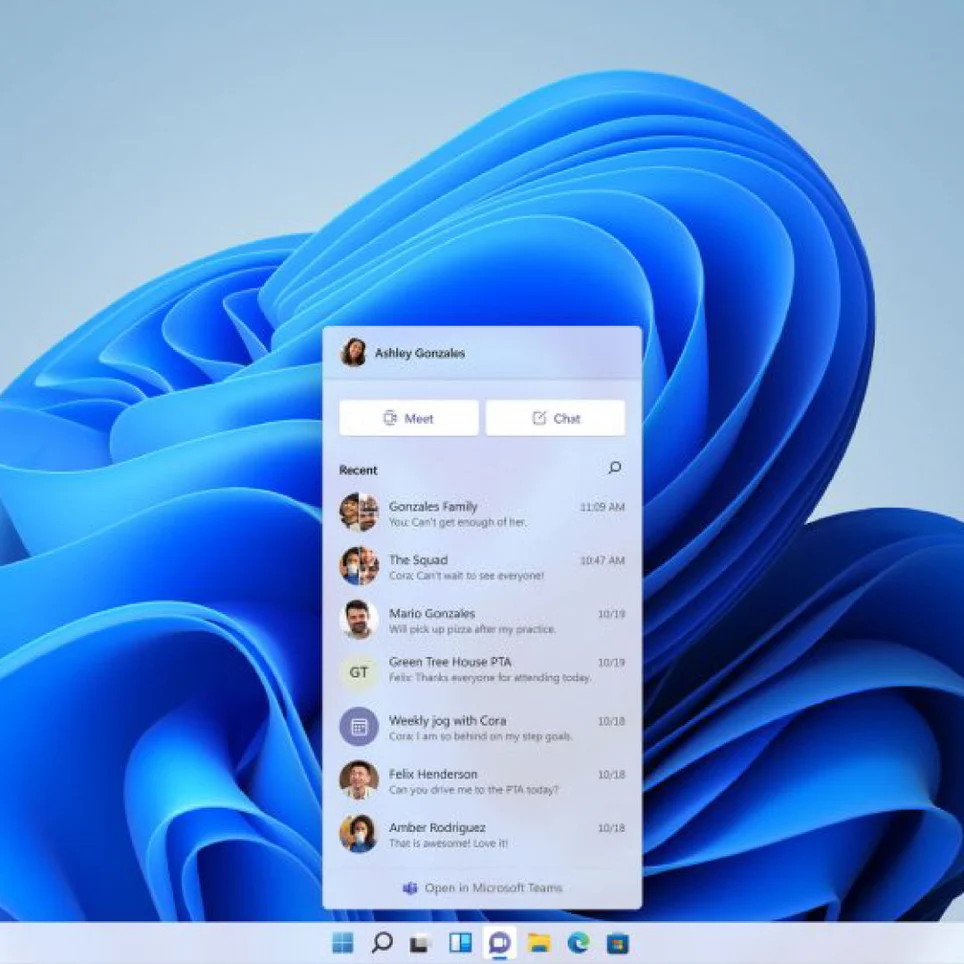
Windows 11 Home supports common desktop applications, web browsing, video calls, documents, photos, and games that are compatible with your PC. Its interface centers on the Start menu and taskbar, while settings help you manage connected devices, displays, updates, and accessibility options. Features such as touch, pen input, and biometric sign-in depend on the hardware you have.
License and compatibility
This is a perpetual digital retail license for Windows 11 Home on one PC, not a subscription. A Home product key is delivered by email with instructions for downloading Windows from Microsoft. The key does not activate Pro. The PC must meet Windows 11 requirements, including a supported 64-bit processor, at least 4 GB RAM, 64 GB storage, UEFI Secure Boot capability, and TPM 2.0. Internet access and a Microsoft account are required during initial setup.