Overview
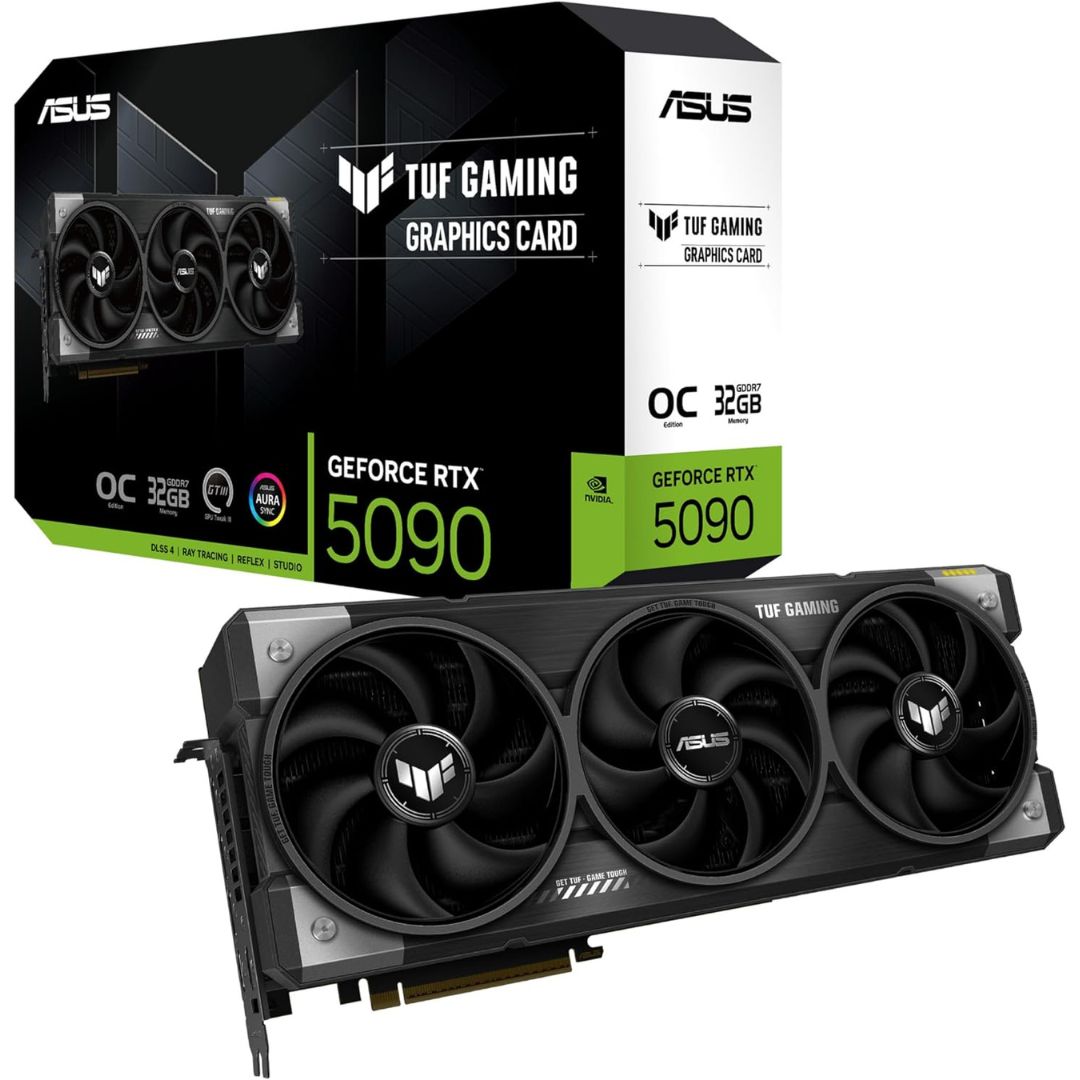
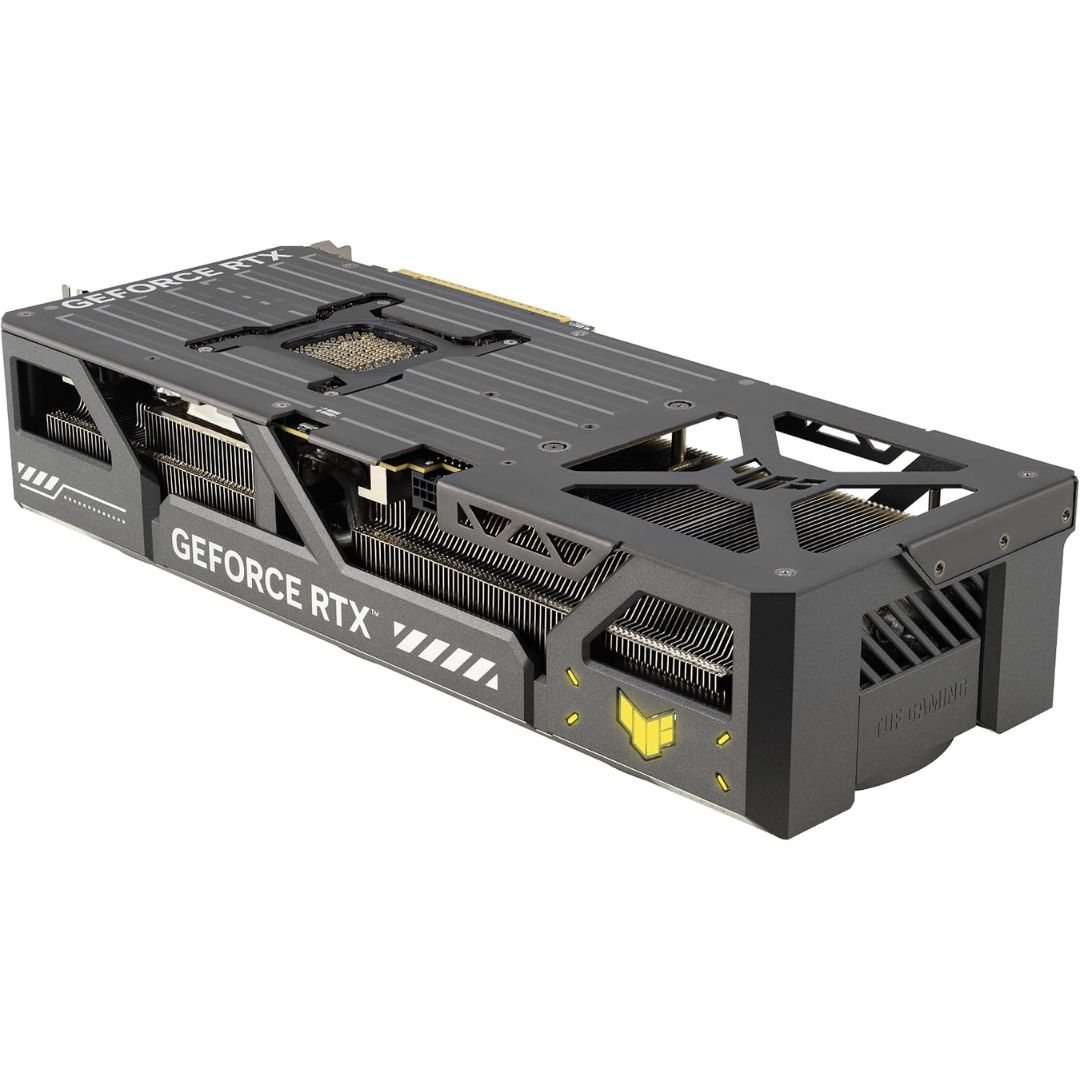
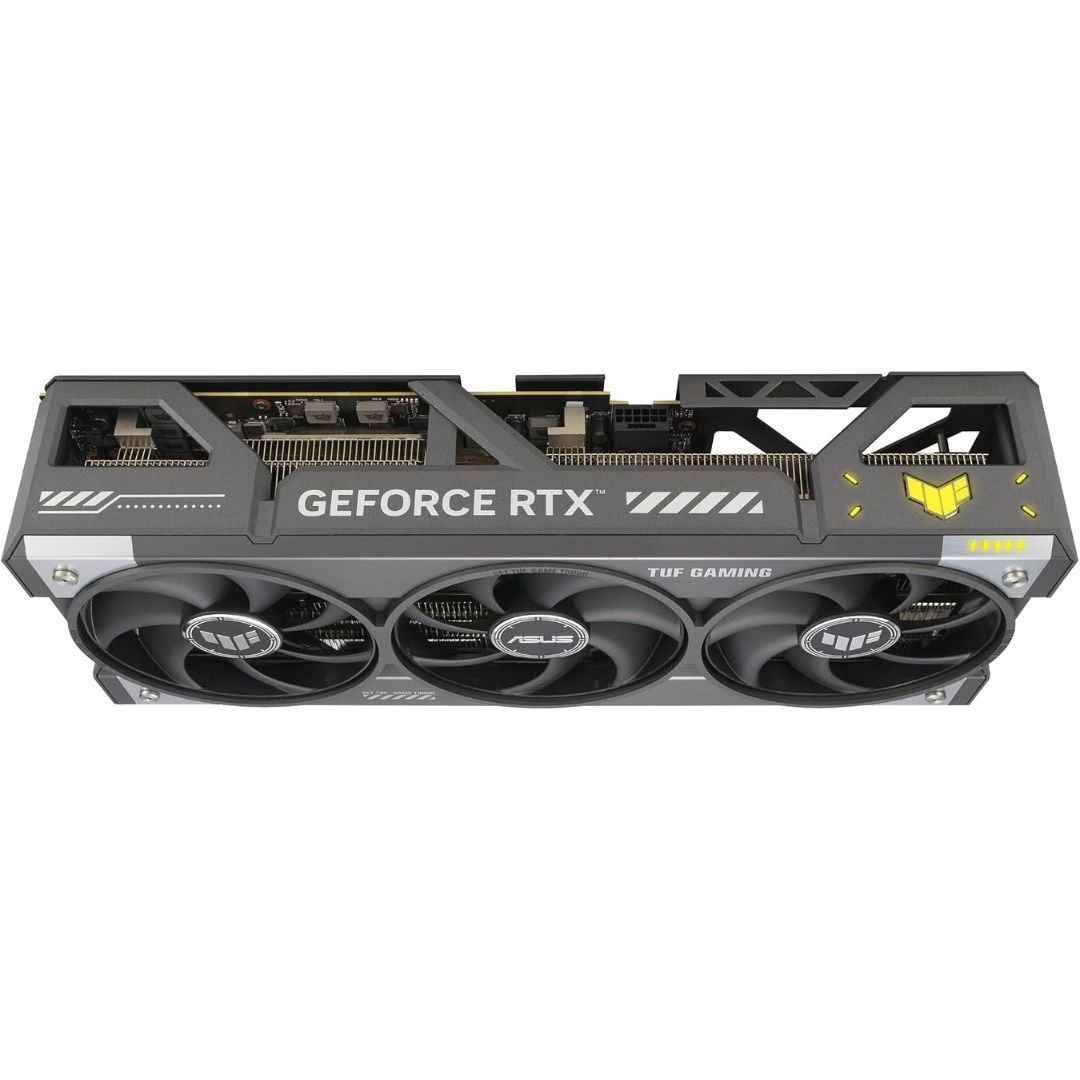
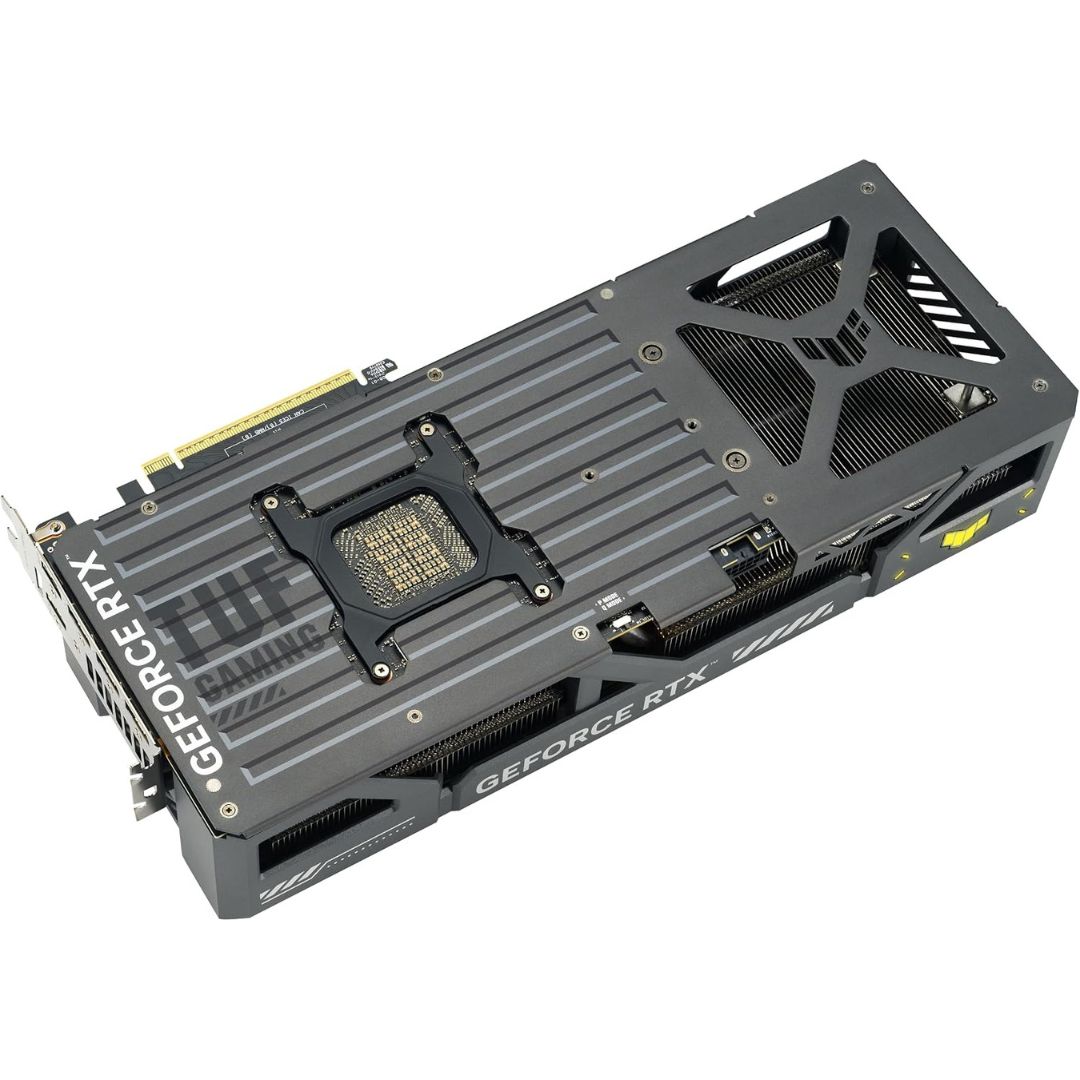
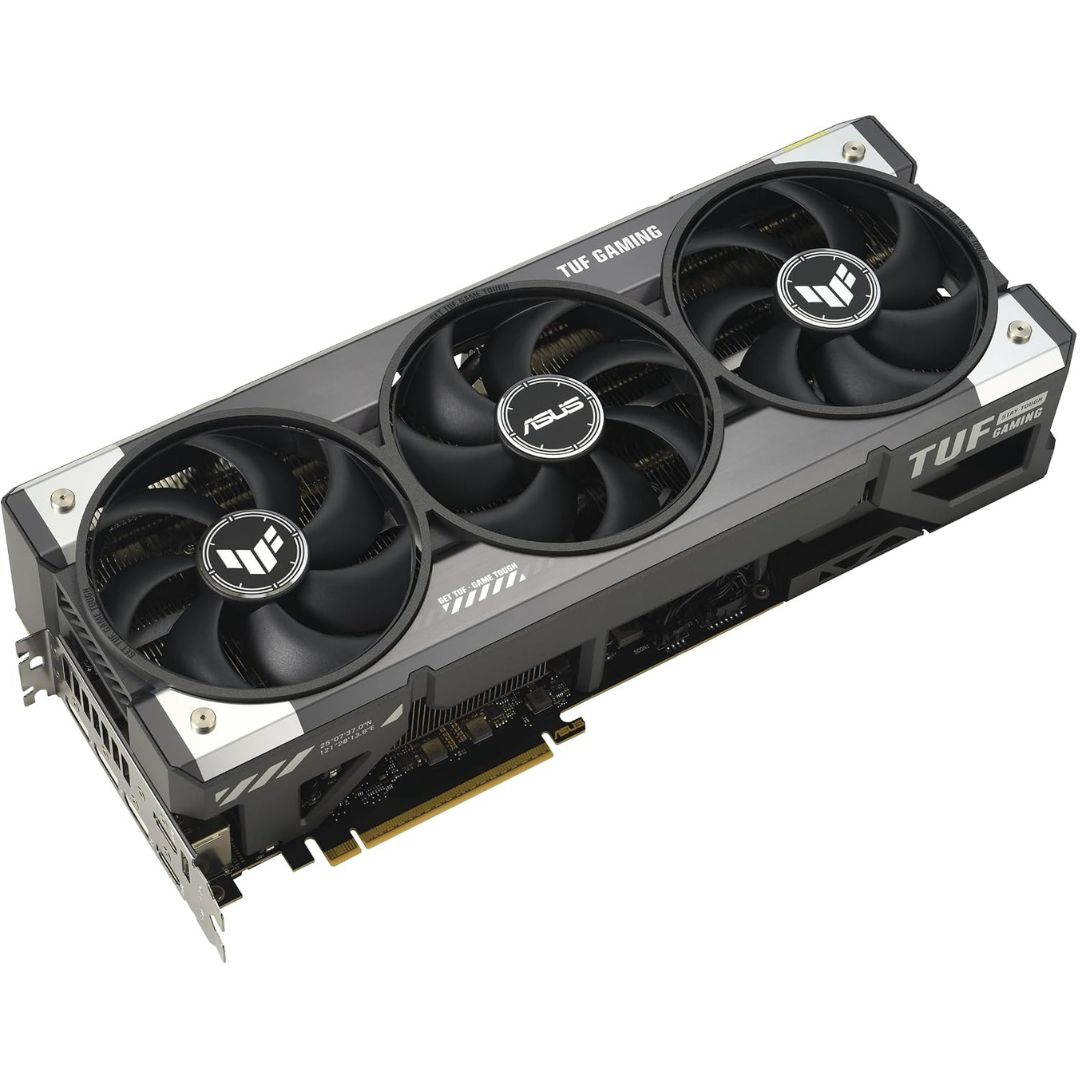
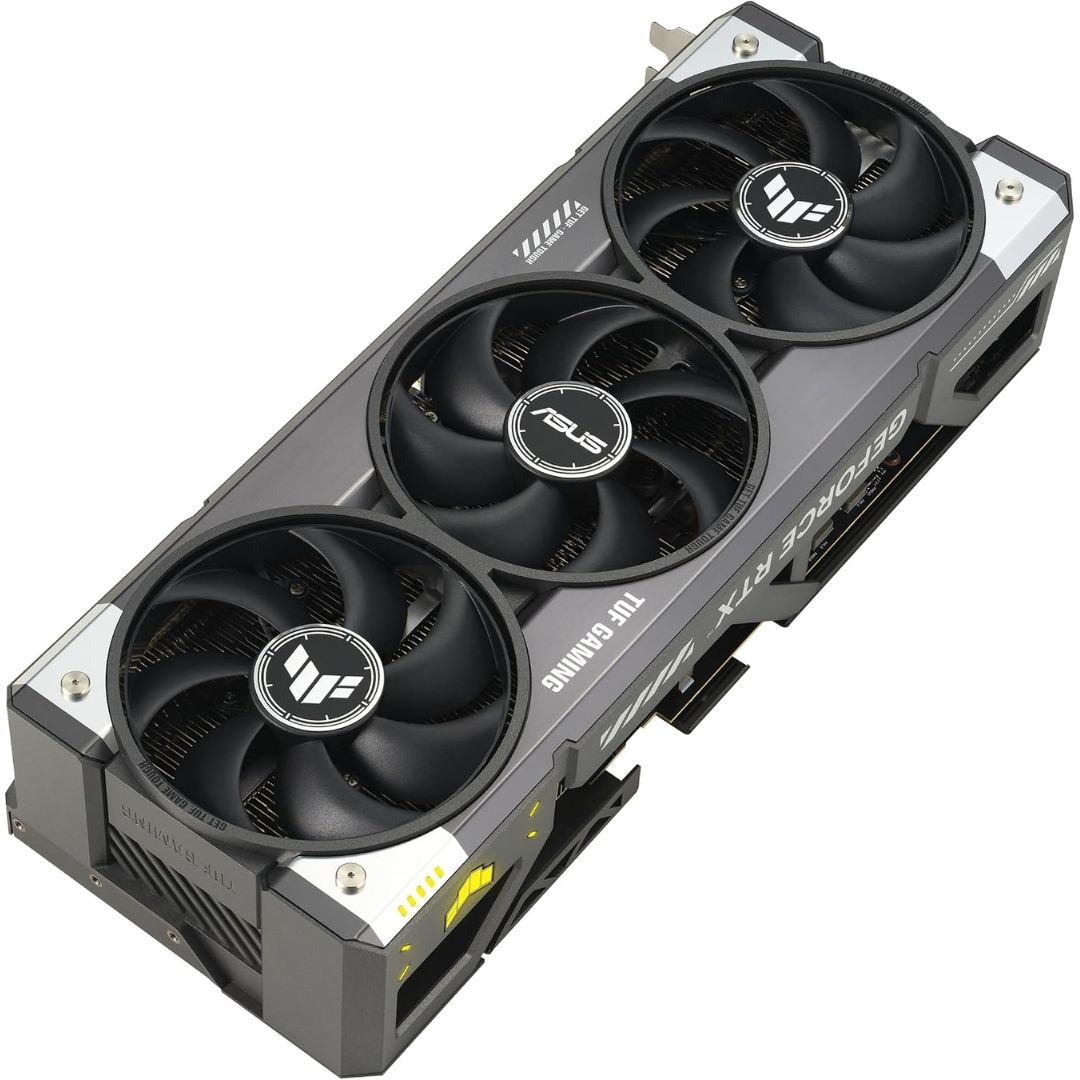
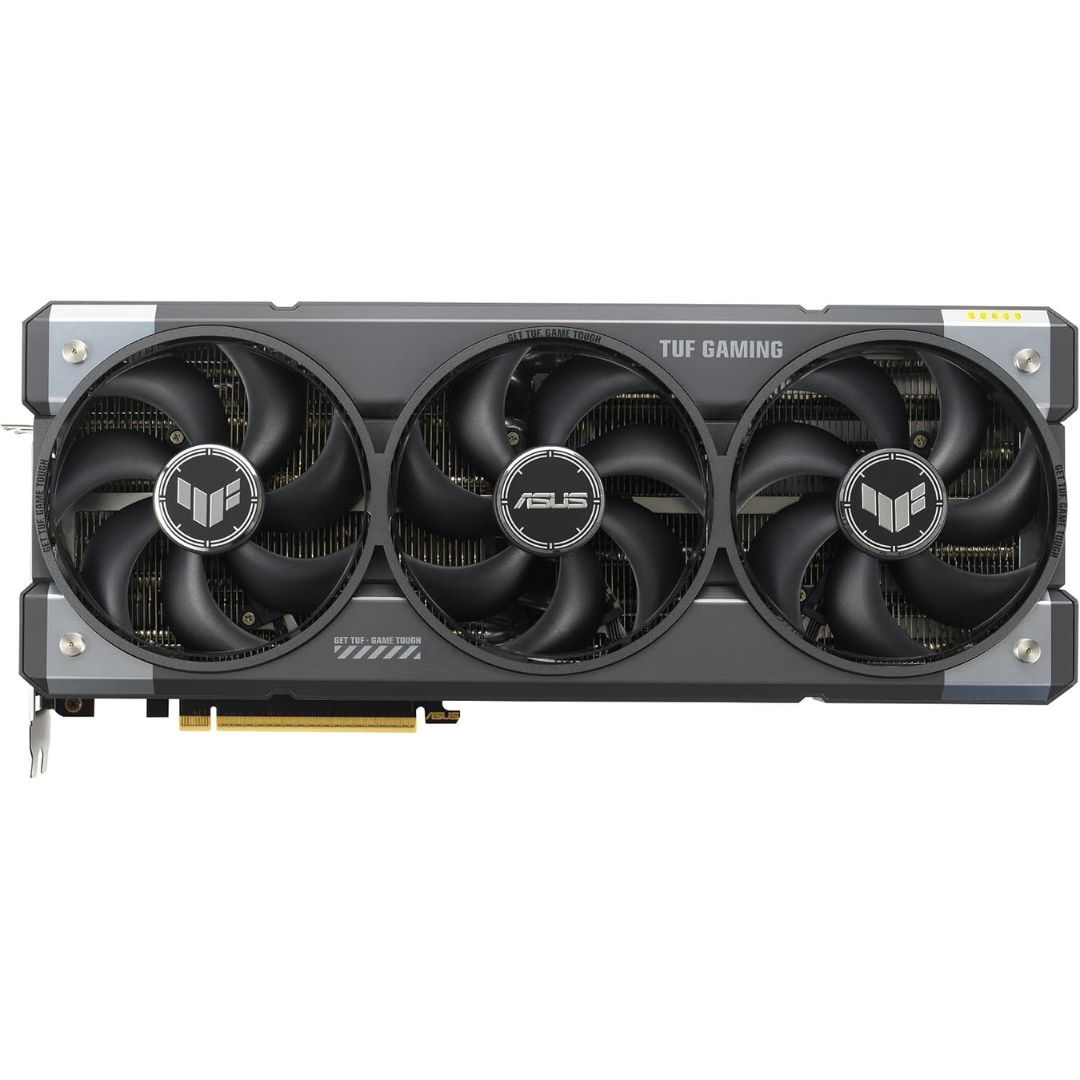
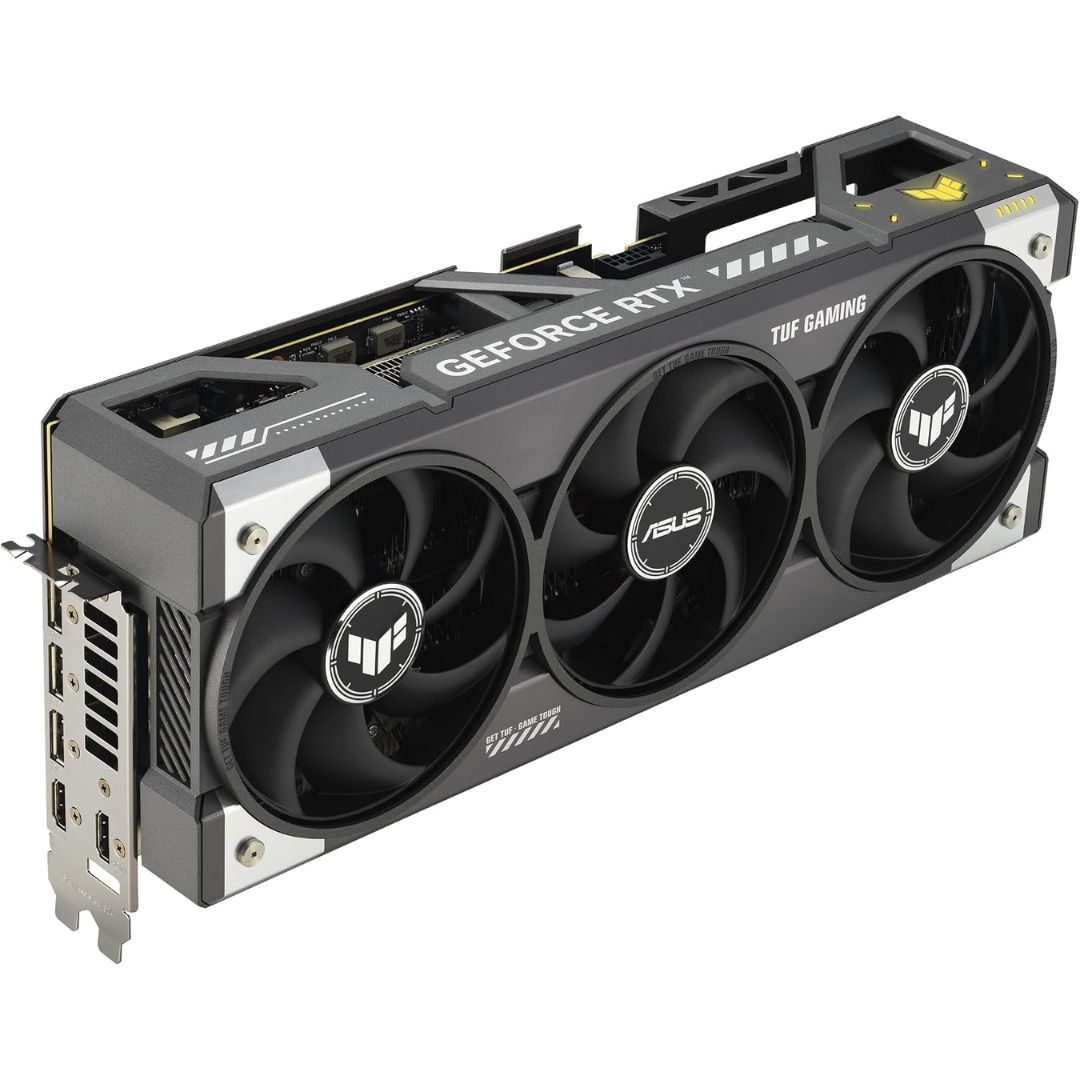
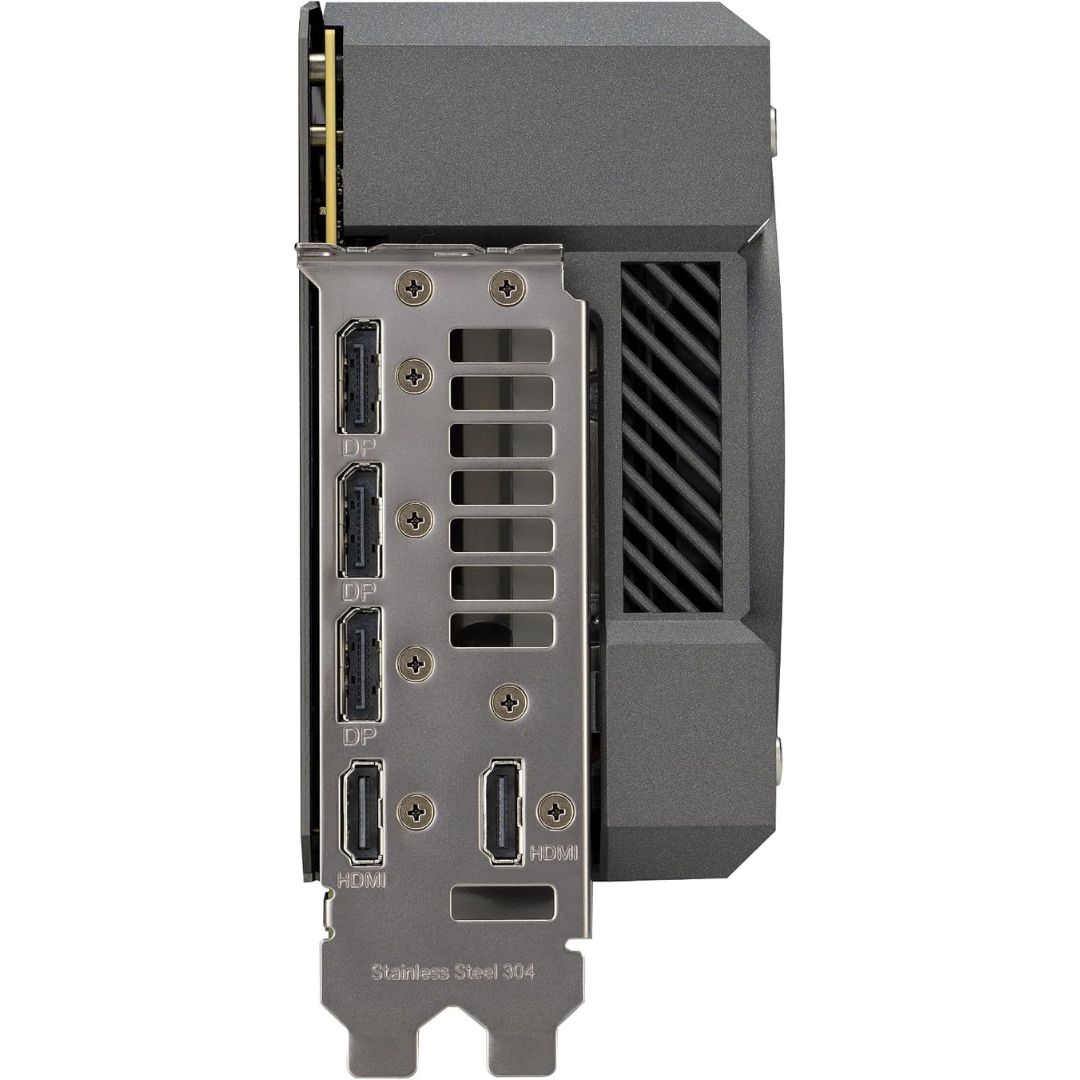
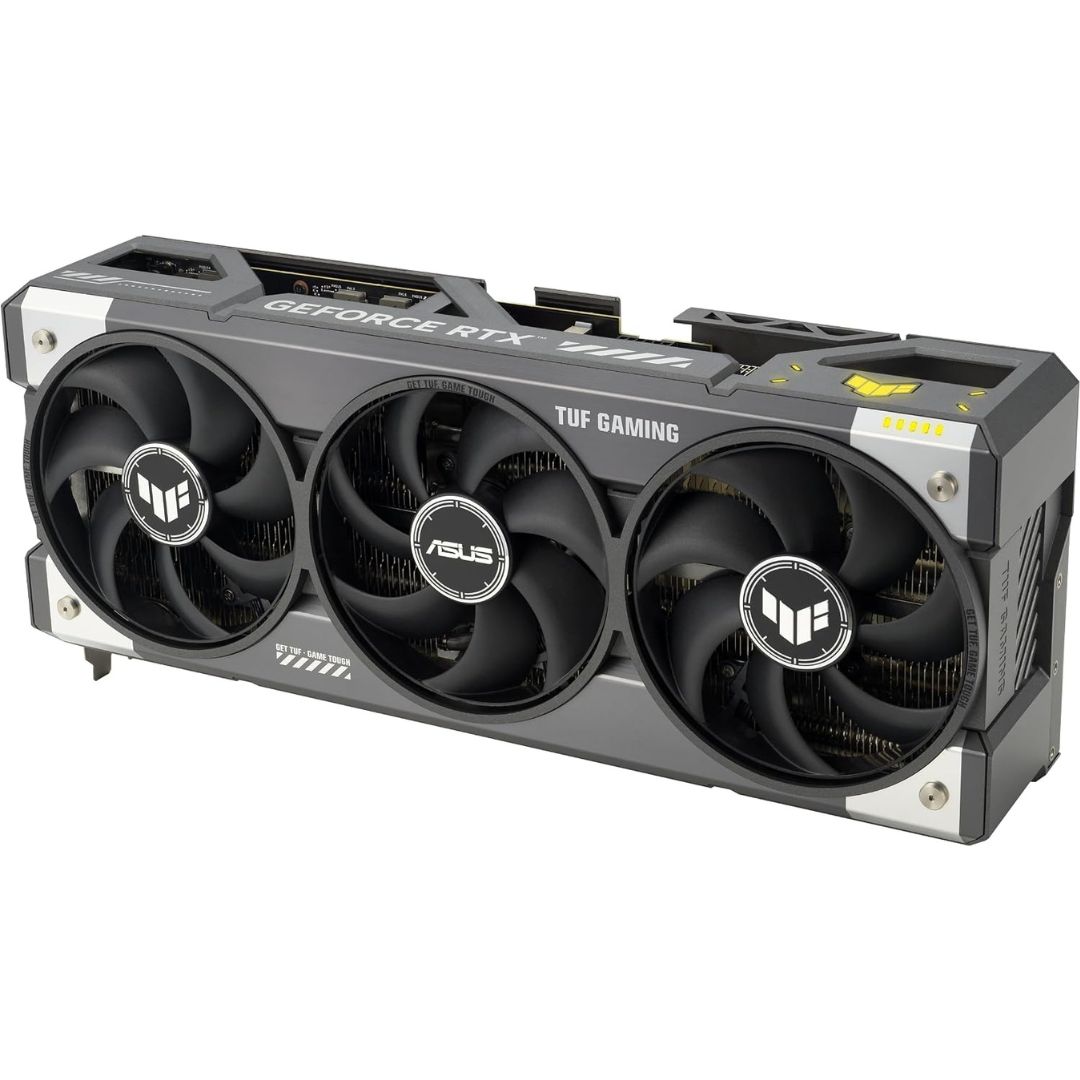
The ASUS TUF Gaming GeForce RTX 5090 OC Edition gives builders a distinct air-cooled option with 32GB GDDR7 and a reinforced TUF construction. It is suited to a high-end gaming system or a creator desktop whose applications support this GPU. The connector layout also deserves attention: ASUS specifies three DisplayPort 2.1b outputs and two HDMI 2.1b outputs for the named edition, useful when planning monitors with different inputs. At 348 � 146 � 72 mm and approximately 3.6 slots, it requires more than a quick GPU-length check. Confirm the case, motherboard slot spacing and power supply first.
Graphics architecture
At the center of this board is the GeForce RTX 5090, with 21,760 CUDA cores and a PCIe 5.0 host interface. Dedicated 32GB GDDR7 gives the processor room for graphics assets and supported computational data. The 512-bit interface describes the width of the connection between the GPU and its on-board memory; it does not, by itself, predict a particular frame rate. Architecture, clocks, software optimization and thermal conditions also matter. Consult the maker�s current specification sheet for exact clock profiles, output connectors and supported features of this part number.
Gaming experience
In games that support its features, this GPU can accelerate demanding scenes, complex lighting and high-resolution assets. NVIDIA ray tracing and supported DLSS options depend on the title and installed driver; availability varies by application. A display capable of the intended resolution and refresh rate, appropriate cables and a balanced processor are important parts of the build. Published benchmark numbers from another computer cannot guarantee the same results in yours. Choose settings based on visual preference, target responsiveness and the performance of the complete system rather than the GPU name alone.
Cooling and chassis planning
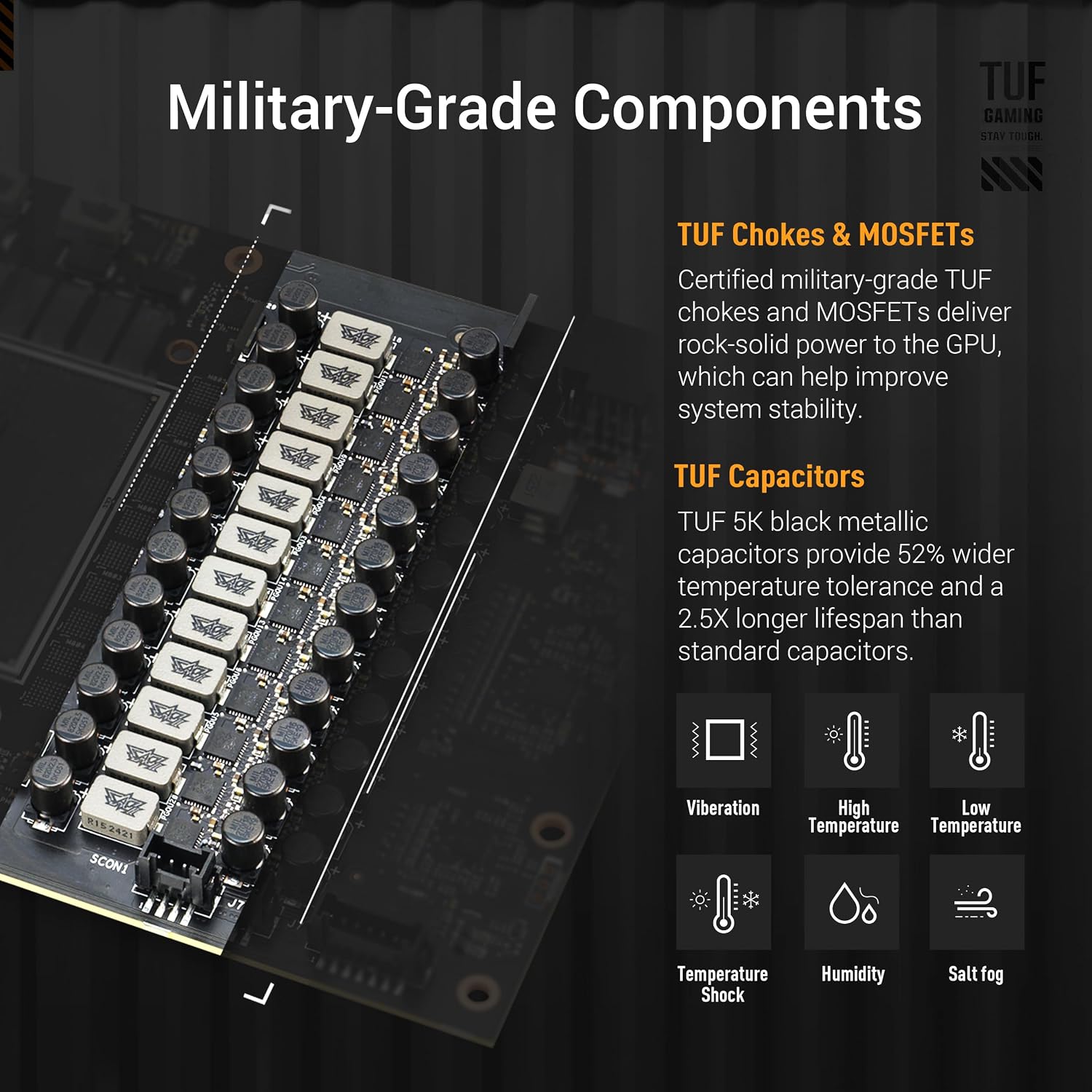
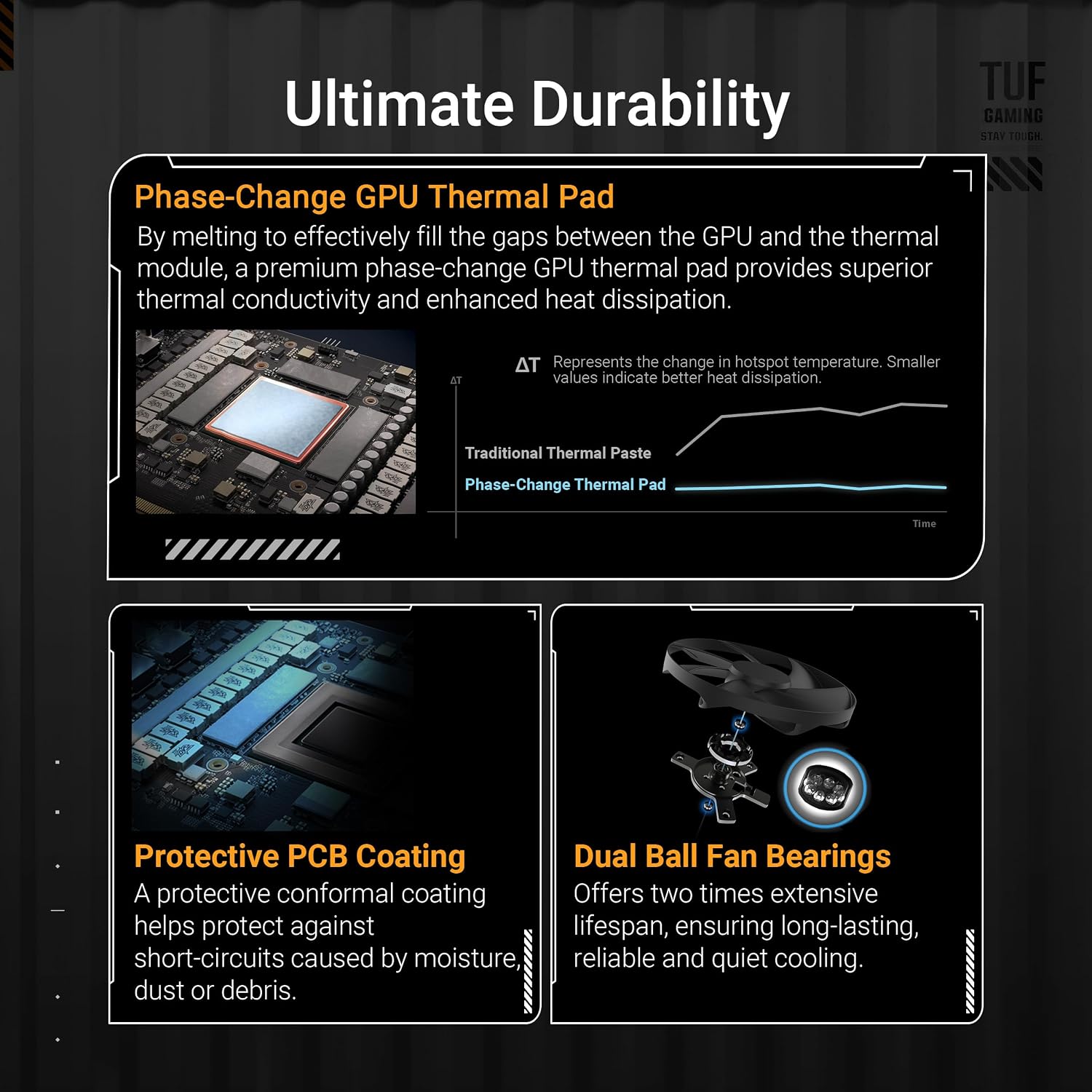
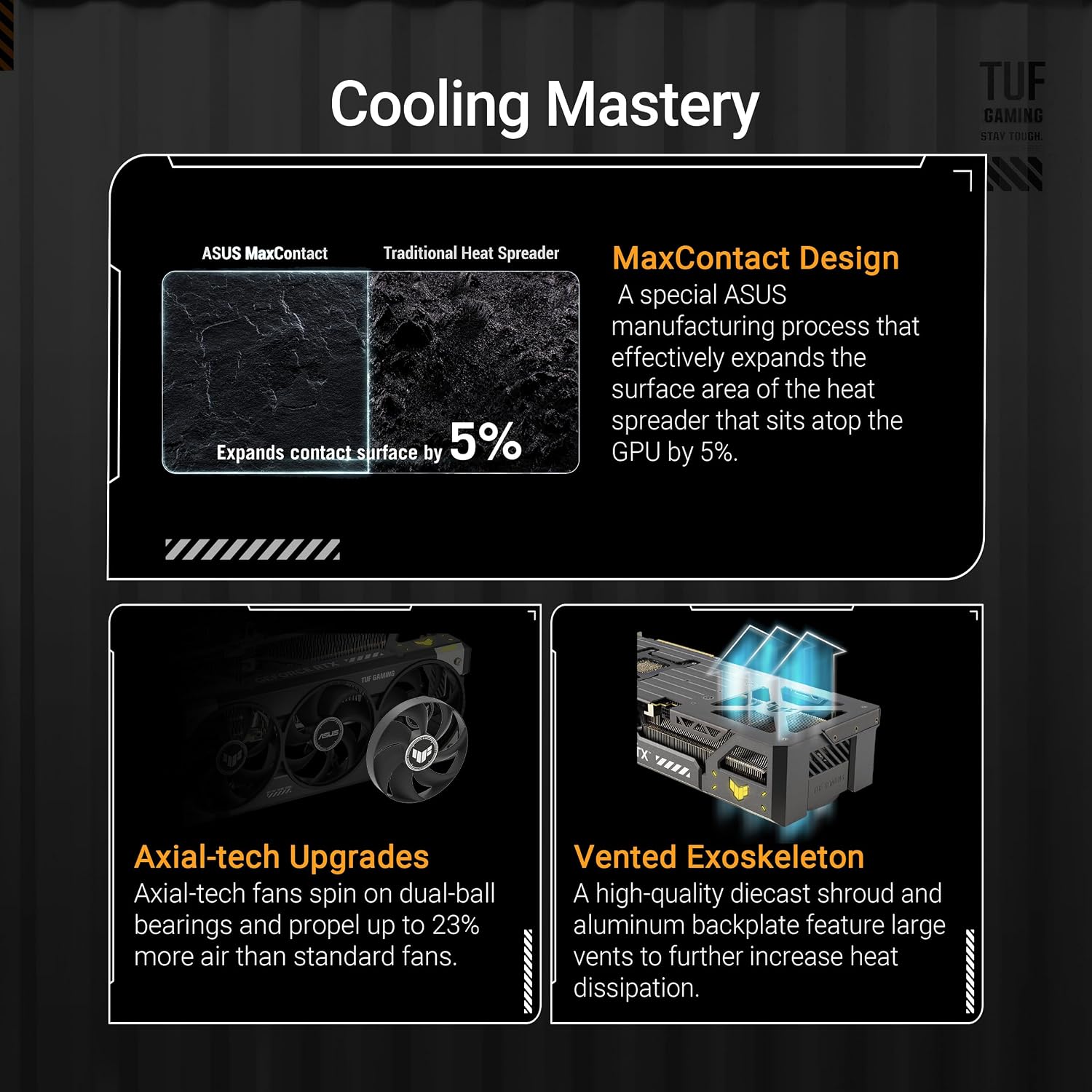
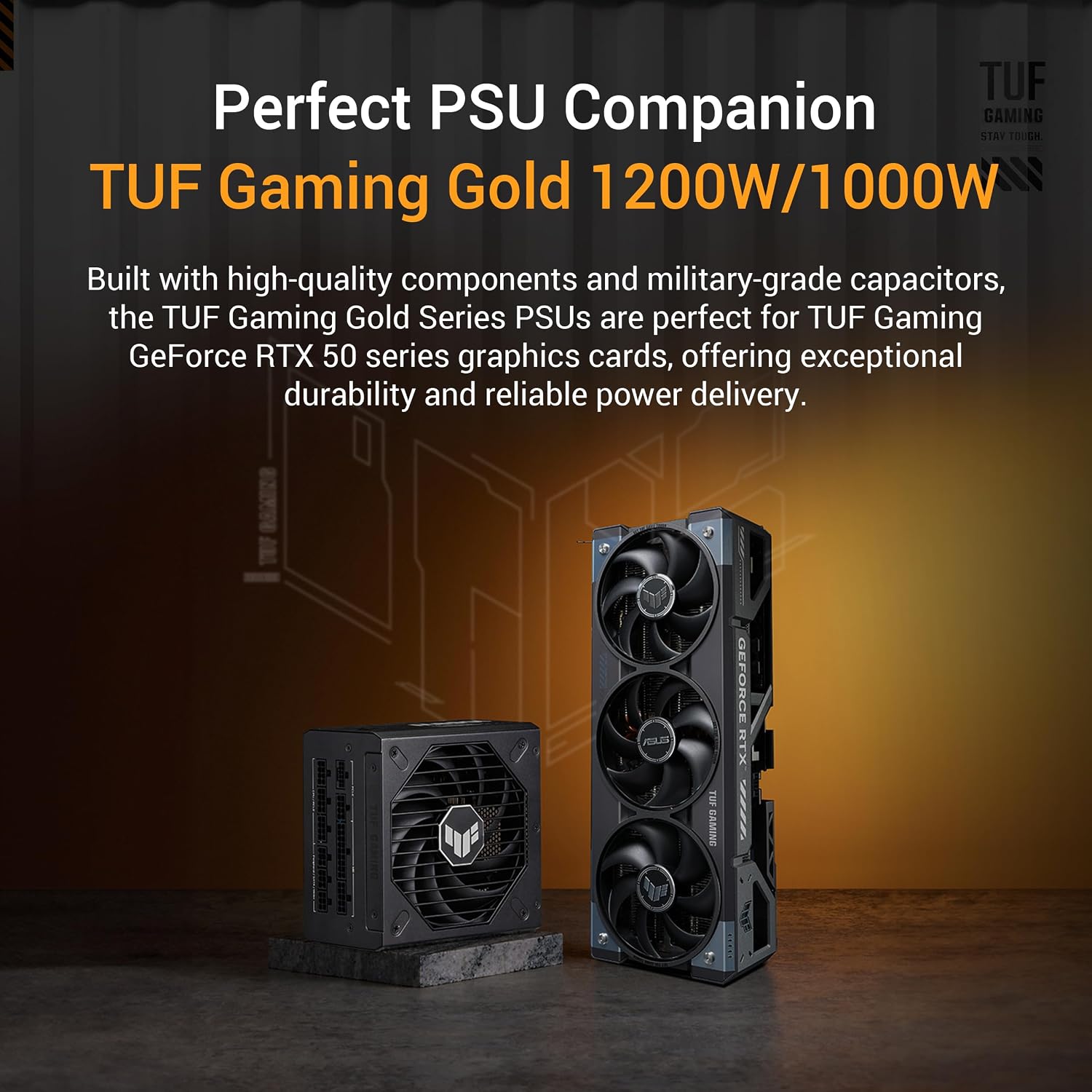
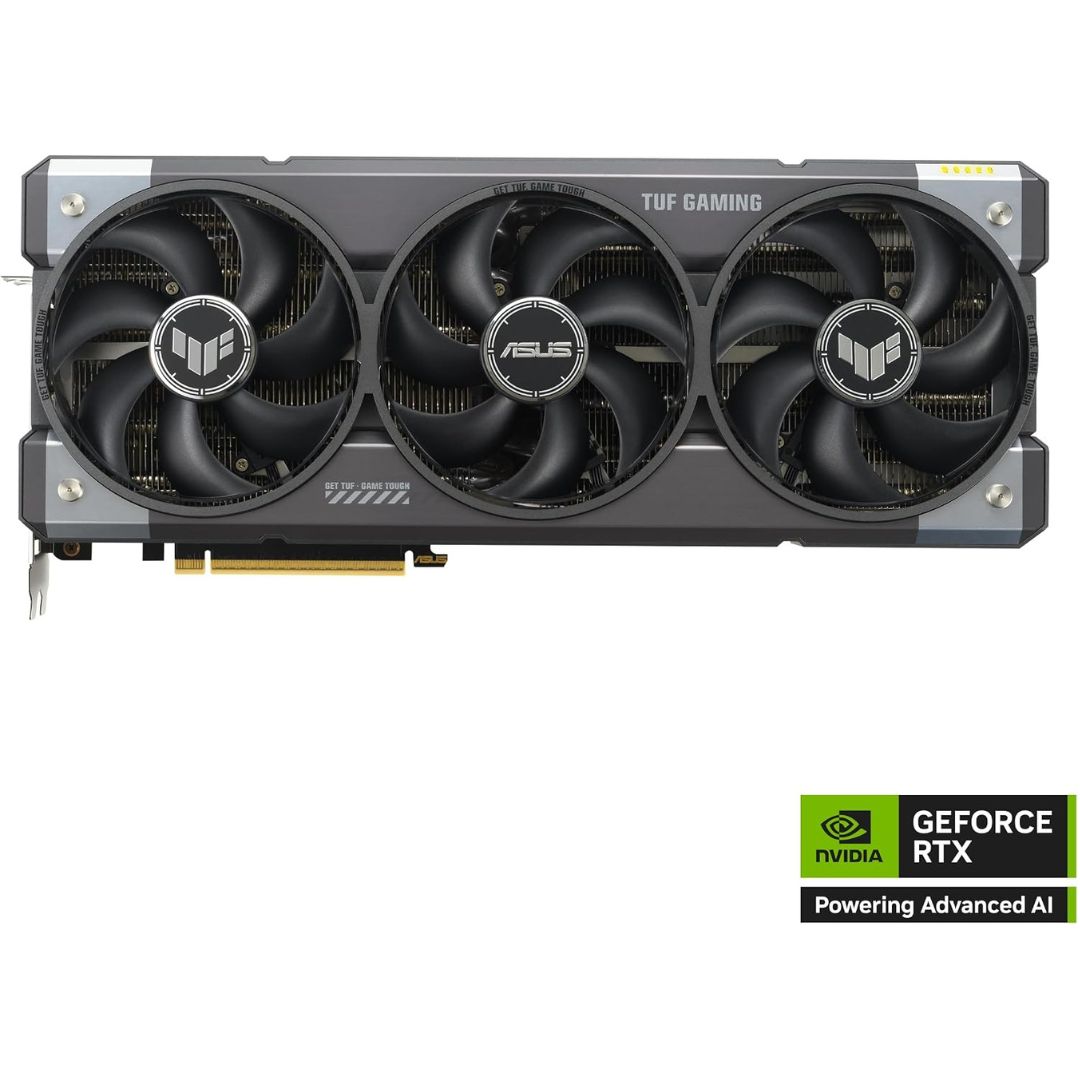
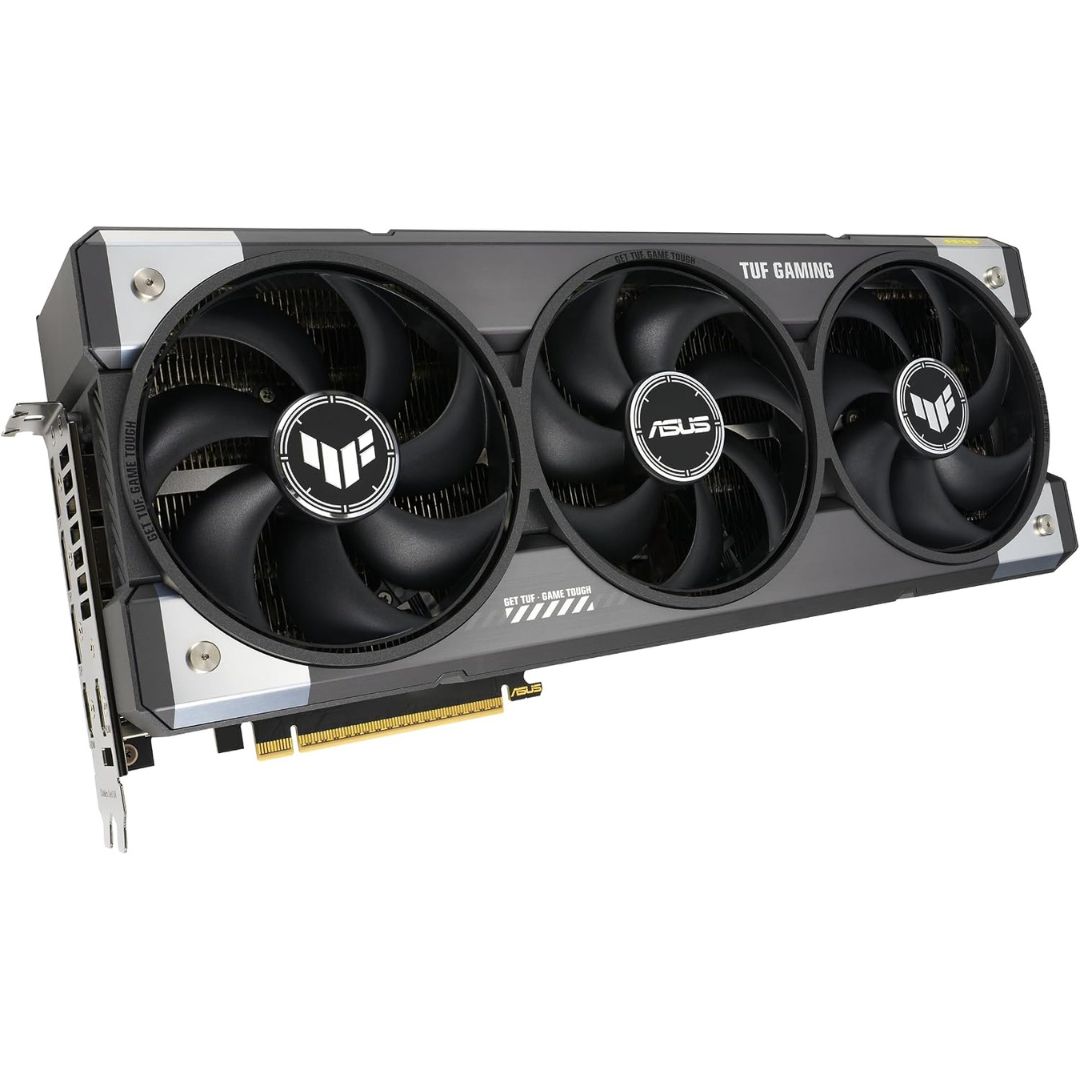
ASUS uses a large triple-fan assembly and a reinforced structure on this TUF card. The approximately 3.6-slot width can cover adjacent PCIe positions, so inspect the complete motherboard layout if you need capture, networking or storage expansion cards. The 348 mm length and 146 mm height also affect clearance around front radiators and side panels. ASUS recommends a 1,000W power supply for this model, although the full system configuration determines the actual requirement. Airflow through the case remains important during long gaming or rendering sessions; do not block the cooler's intake with closely mounted components.
Creative work
The 32GB GDDR7 capacity may be useful for compatible video editing, 3D rendering, animation and visual effects projects that keep substantial working data in GPU memory. Application support is decisive: a program may use the GPU for some tasks while using the CPU for others. Export settings, project complexity, plug-ins and driver versions influence the result. Review the requirements of the software you actually use, especially if its vendor publishes a supported GPU list. A larger memory figure is useful only when the workflow can access and benefit from that capacity.
AI and development
Developers can consider this NVIDIA card for applications that explicitly support the appropriate CUDA and related acceleration stack. Local inference, experimentation and development are possible only when the software, drivers and model requirements fit the system. Model size, numerical precision and context length can change memory use considerably. Do not assume that a stated memory capacity guarantees that any particular AI model will run at a given speed. For mission-critical deployments, confirm software support, operational needs and any specialized enterprise requirements before selecting consumer graphics hardware.
Power and installation
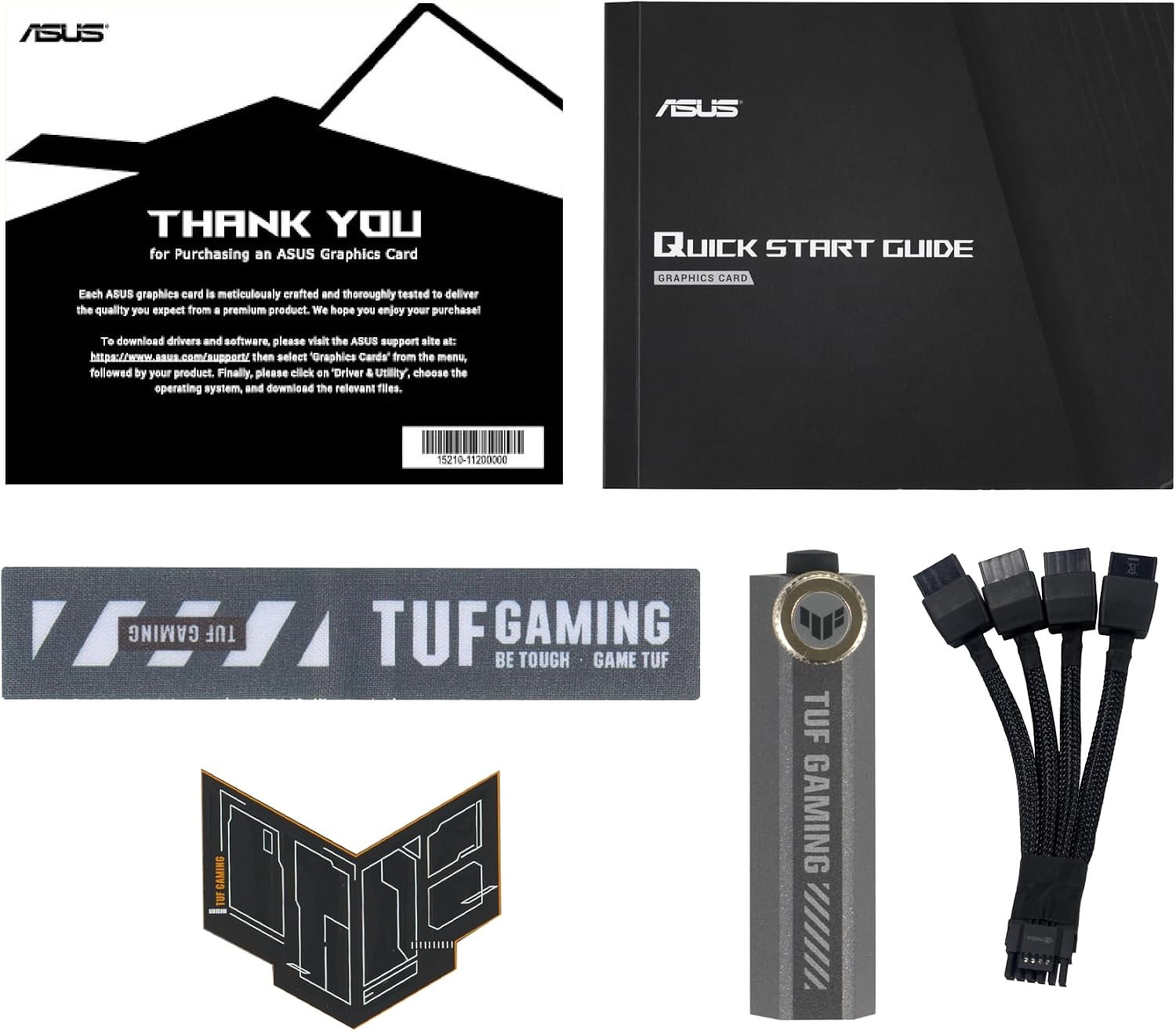
ASUS lists a 348 � 146 � 72 mm card occupying approximately 3.6 slots and recommends a 1,000W power supply. Confirm the power supply�s total capacity, quality, connector type and the cable routing specified by its maker. Do not force or sharply bend a high-power connector close to the socket. Leave room for airflow and access to neighboring components. Before installing, update the appropriate GPU driver and follow the card maker�s setup instructions.